 Breevo
 support
Hi, how can Breevo help?
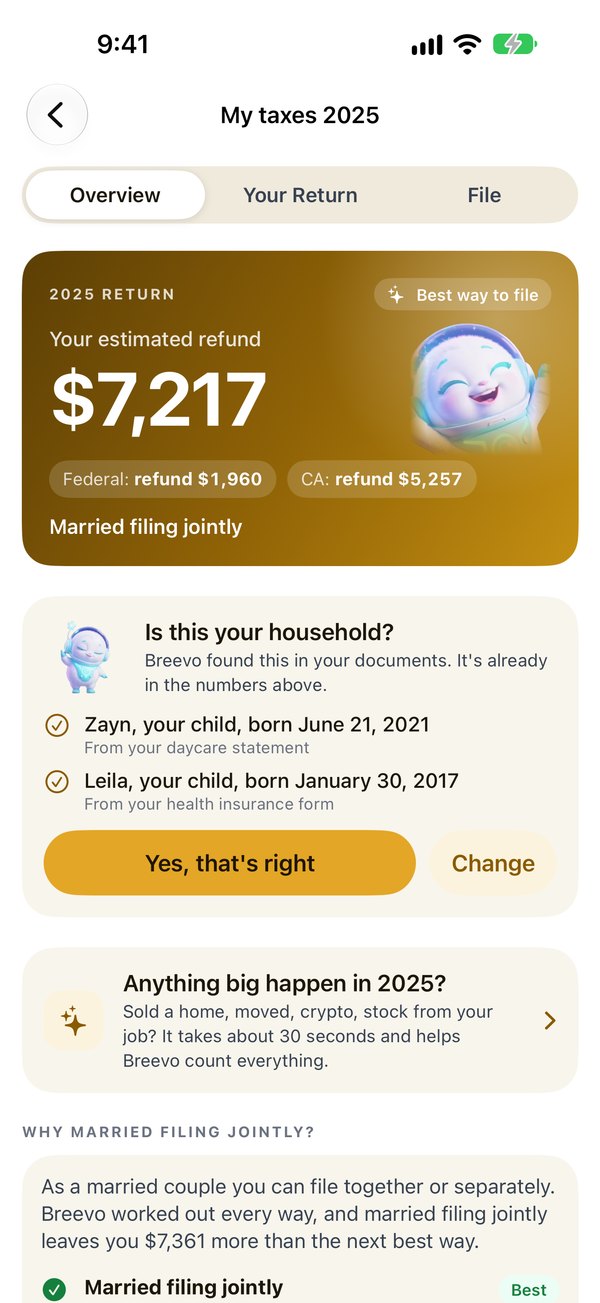
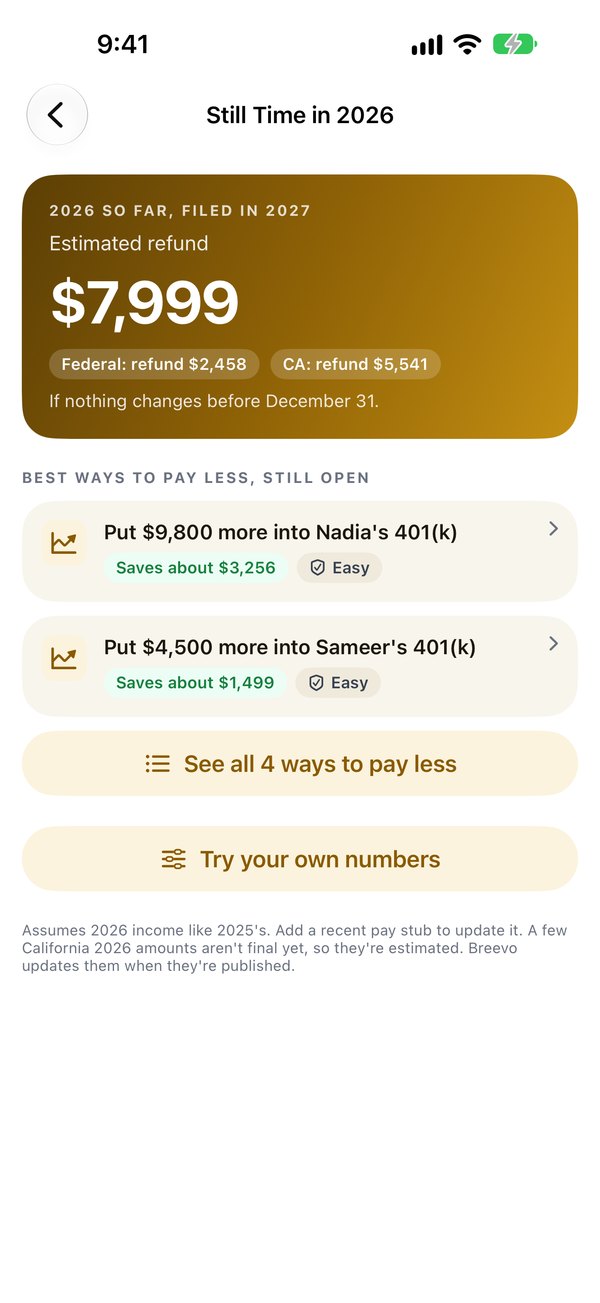
Your tax return and plan, worked out from your documents, right on your iPhone.

Private by design
No account and no servers. Your documents are read on your iPhone, and nothing is sent anywhere.
Checked against the IRS
Breevo's math matches the IRS's own test returns. See how
You stay in control
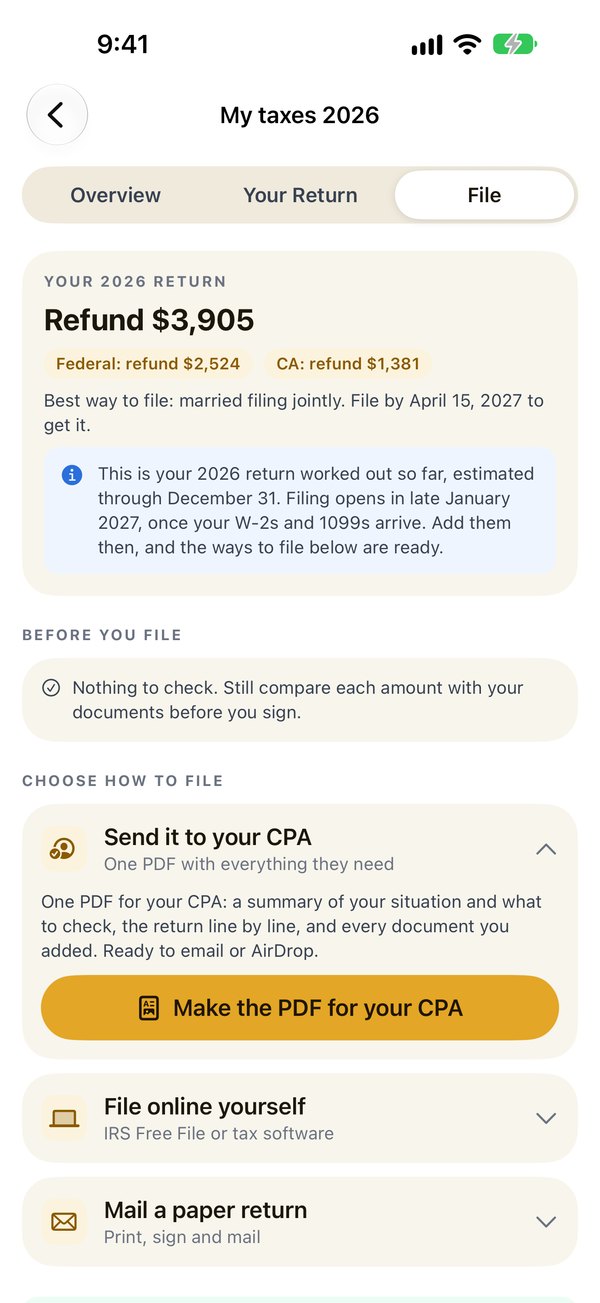
Send it to your CPA, mail the official forms, or file online yourself.
See Breevo
Everything stays on this iPhone. Nothing is sent anywhere. No account, no ads, no tracking. Not even Breevo's makers can see it.
Common questions
Where is my information kept?
Only on your iPhone, encrypted, and unlocked with Face ID or your passcode. Breevo has no account and no servers, and it doesn't send anything anywhere. It's also kept out of iCloud backups. Privacy Policy
How do I add my documents?
Open your return and tap Files, Photos or Scan. Add W-2s, 1099s, pay stubs, last year's return, receipts or a whole folder. Breevo reads them on your iPhone and works out your return.
A file from iCloud Drive won't open
Files with a cloud icon are kept in iCloud and need the internet to open the first time. Connect to the internet and add them again. To use them without internet, open the Files app, touch and hold the folder, then tap Keep Downloaded.
How do I file my return?
On the File tab, choose a way: one PDF for your CPA, the official IRS forms filled in to print and mail, or filing online yourself. Filing 2026 returns opens in late January 2027.
A number looks wrong
Your Return shows how Breevo worked out each number. Compare it with your document, and change what Breevo read if it's different. If something still looks wrong, email support@breevo.si and describe it, without sending the document itself.
Which iPhones does Breevo work on?
Any iPhone with iOS 26 or later. Tax forms, pay stubs and IRS transcripts are read on every one. With Apple Intelligence (iPhone 15 Pro, iPhone 16 and newer), Breevo also reads letters, handwritten notes and many receipts.
How do I delete my data?
To delete one return, touch and hold it in the list, then tap Delete This Return. To delete everything, tap ••• (More), then About and Privacy, then Erase all Breevo data, or delete the app.